Buying guide
Basketball Scoreboard Replacement Checklist for Existing Gyms
Replacing an existing scoreboard is different from specifying a new court. The buyer needs to preserve the game functions the venue already relies on, record the physical installation and identify whether any connected timing equipment must remain in the replacement plan. This checklist uses the published details of current RYK models to make that request more precise.
Record the existing board before comparing replacements. Photograph the front display, rear label, remote or console, wall or stand position, power connection and every connected timing display. List the game functions that must remain available, such as score, game time, period, fouls, possession or a 24-second clock.
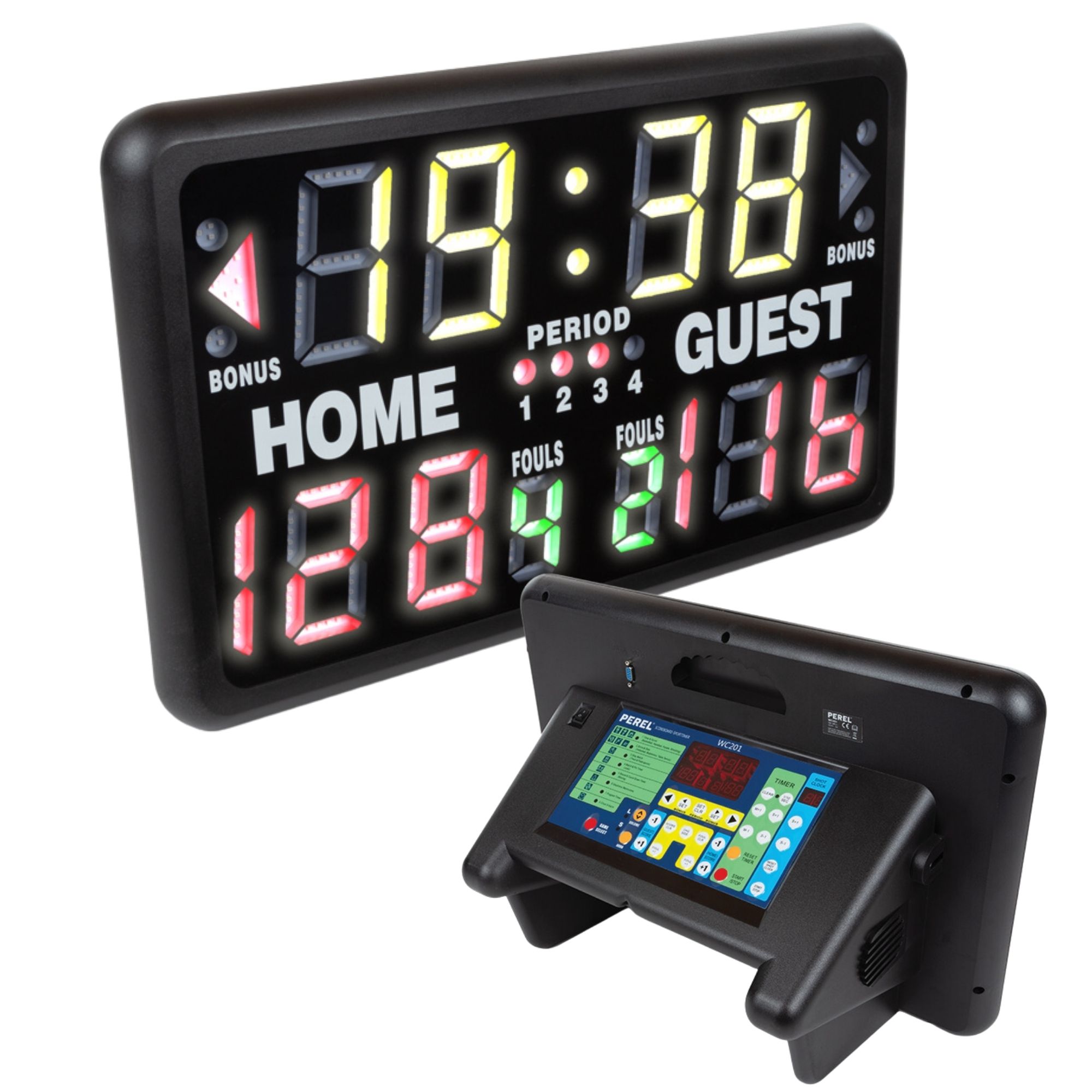
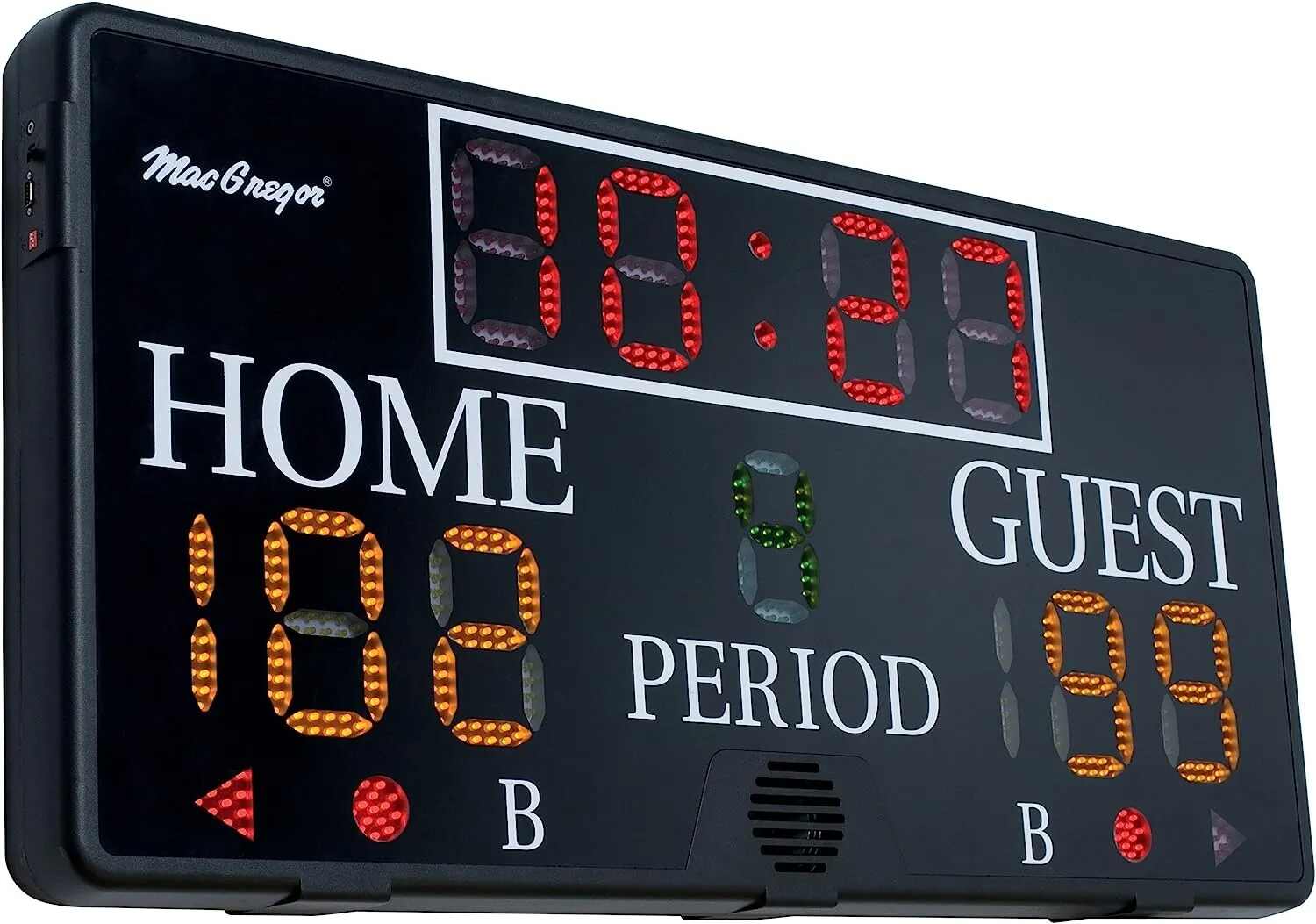
Match the replacement format to the current venue workflow rather than selecting by price alone. The Indoor Tabletop LED Scoreboard is positioned for indoor tabletop use, while the SK3048 is a 4 ft. x 2 ft. multisport board with built-in wall-mount slots; verify whether the present location needs a tabletop, wall-mounted or separately supported display.
Treat control equipment as part of the replacement scope. The tabletop model lists a wireless remote with up to 100 ft. range, and the SK3048 lists a rechargeable wireless remote, 12 frequency settings and a 100 ft. data cable. State which existing control position, cable route and nearby-court conditions must be retained, then request confirmation for the selected configuration.
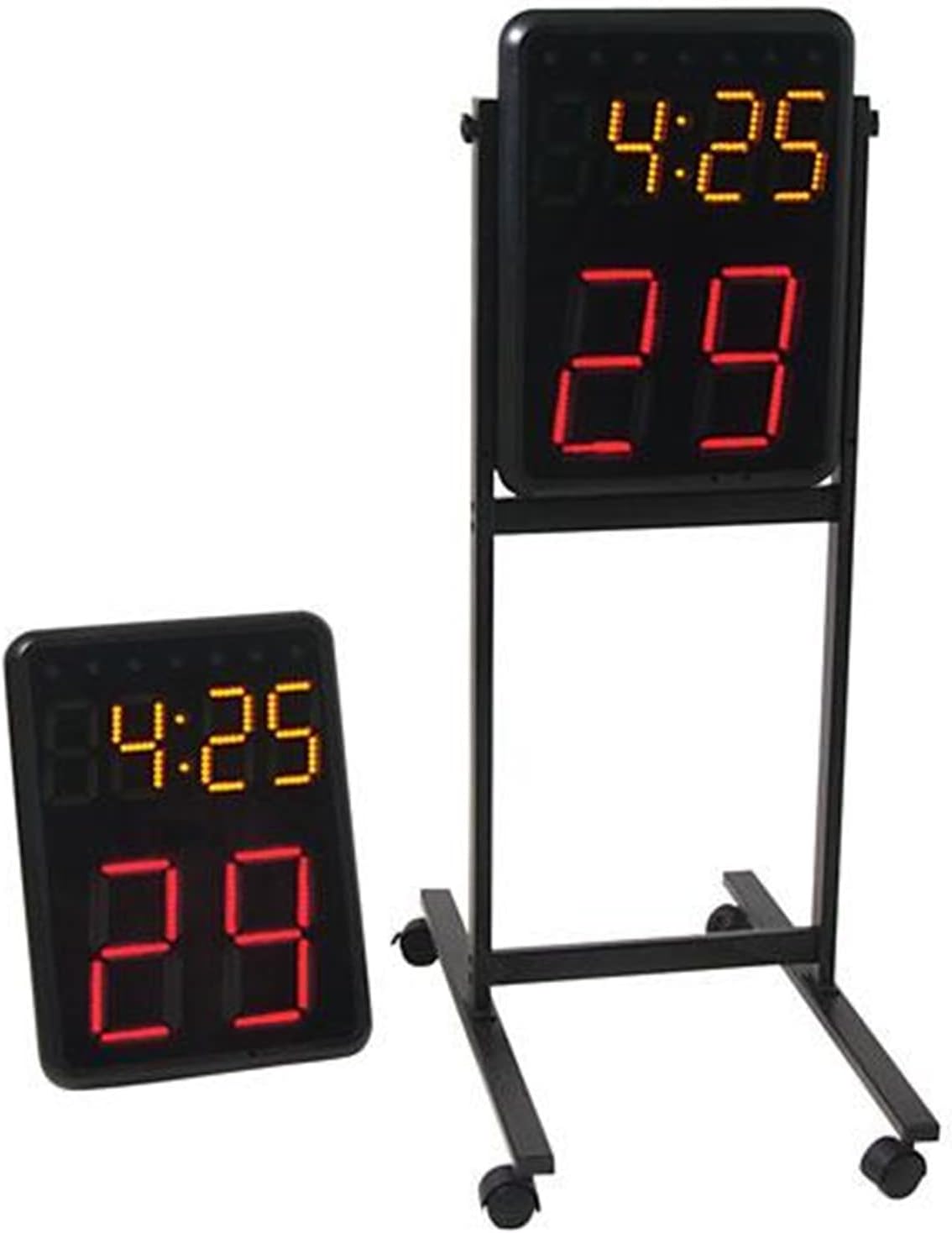
Separate a main-scoreboard replacement from shot-clock compatibility. The Wireless Basketball Shot Clock Pair is listed for wireless connection with compatible SK2229R/WC201, SK3048 and SK999-style scoreboards. If the venue will retain a different shot-clock or scoreboard system, provide its model details and ask for compatibility confirmation instead of assuming an existing controller will work.
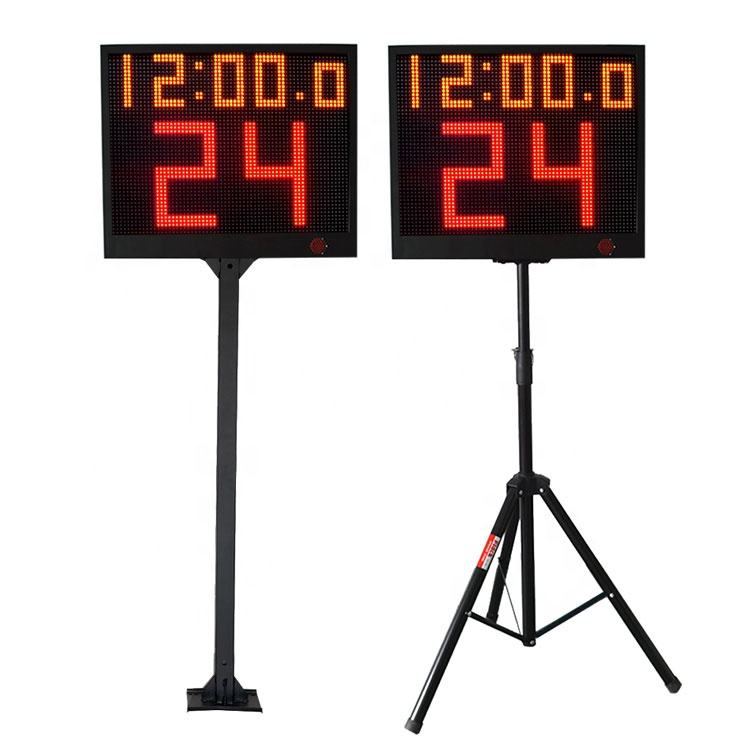
Quote the two court ends and the scorekeeper position as one operating plan when basketball timing is involved. The Wireless Basketball Shot Clock Pair is supplied as a pair with a controller, while the YS 24s LED Shot Clock Pair is quoted as two single-face displays with app-control or wireless-console options. Identify which timing equipment is being replaced, kept or added.
Confirm the replacement's power and support requirements in writing. The SK3048 lists rechargeable battery or AC power and an optional wheeled stand; the Wireless Basketball Shot Clock Pair lists rechargeable battery or 110V AC power and a separately quoted stand. Do not assume the new equipment shares the old mounting hardware, plug arrangement or support accessories.
Send one line-item request with the existing-equipment photos, chosen replacement model, quantity, required game functions, controller preference, retained shot-clock details, installation position, power requirement, destination and every stand, cable or spare remote needed. Ask for a written package summary before scheduling the changeover.